
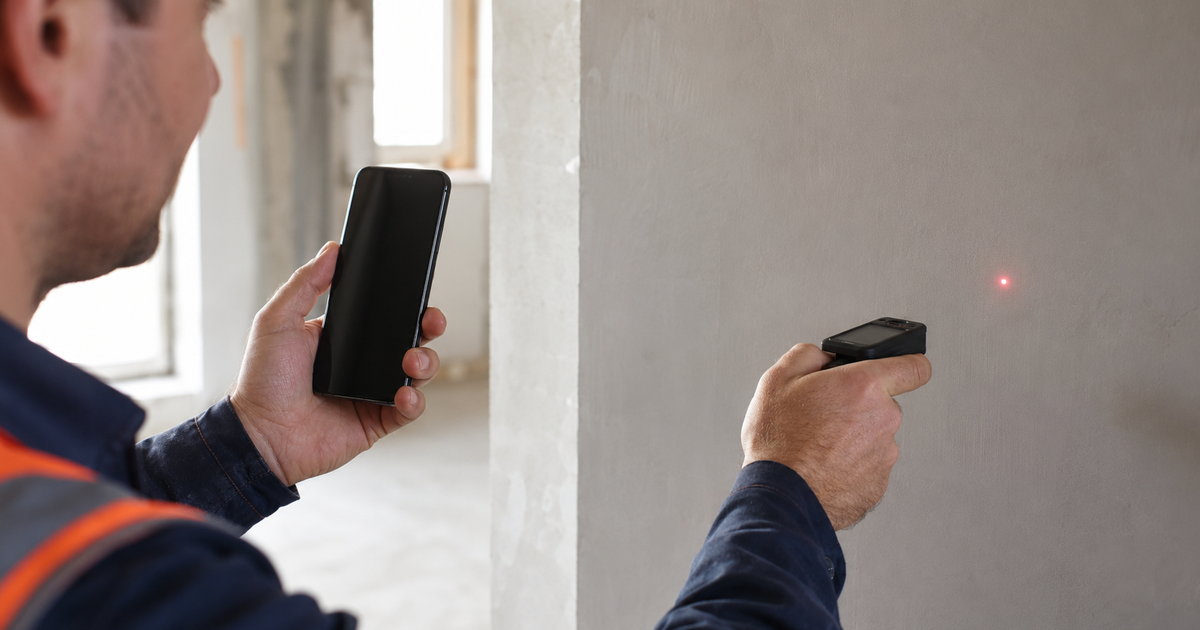
The tape measure is not the problem. The problem is what happens to the number after. It gets scribbled on a plan, half remembered on the drive back, and typed into a quote three days later with a digit wrong. A measurement app closes that gap. You measure once and the number is already where you need it.
This is a plain look at how measurement apps work on site, why they beat paper and a calculator, and how a clean measurement turns straight into a clean bill. If you take off quantities and price work, read on.
Why the paper way loses money
Measuring on paper is not slow because measuring is hard. It is slow because the number travels badly.
- It gets copied. From the wall to the notepad to the spreadsheet. Every copy is a chance to fumble a digit.
- It loses its photo. Three weeks later nobody remembers which wall the 12 square metres belonged to.
- It sits in a van. The office cannot quote until the sheet comes back, so the client waits.
- It does not match the bill. You measured one thing and billed another, and the client noticed first.
Measure once, use it everywhere
A measurement app keeps the number, the photo, and the location together from the first tap. You stand at the wall, record the area, snap a picture, and it is done. Back at the office there is nothing to retype. The measurement flows straight into the estimate and, later, into what you invoice. Fewer digits fumbled. Faster quotes out the door. That is the quiet win.
Tie it to your cost and estimating tools and the measurement stops being a loose note. It becomes the first line of the quote and the last line of the bill, the same number all the way through.
Photos and location, not just numbers
A number on its own is an argument waiting to happen. A number with a photo and a spot on the plan is proof. When a client questions the quantity, you show the picture and the measurement taken on the day. This is also why measurements belong next to your site documents, where the photo, the plan, and the record live together.
What it costs and how to try it
Stas Organizer starts at €7 per worker per month, with the site tools on every plan. The pricing page has the details.
The real test is one real takeoff. Start a free trial, measure your next job on the phone, and watch it land in the quote without a single retype.
Common questions
Do we need special hardware?
No. A normal phone does it. If you use a laser measure, the reading goes in by hand in a second, and the photo backs it up.
Does the measurement reach the quote automatically?
Yes. That is the point. The number you take on site becomes the quantity in the estimate, no copying.
Can the crew measure, not just the boss?
Yes. Anyone on site can record a measurement with a photo. The office sees it the same minute.
Ready to measure once and bill right?
Stas Organizer keeps measurements, photos, estimates, and documents in one platform, on web, on Android and iPhone, and through WhatsApp for crews that want no extra app. The number you take at the wall is the number on the bill.
Start your free trial, no credit card needed. Want it shown on your kind of work? Book a demo. Or see how it drives fewer errors from site to office.