
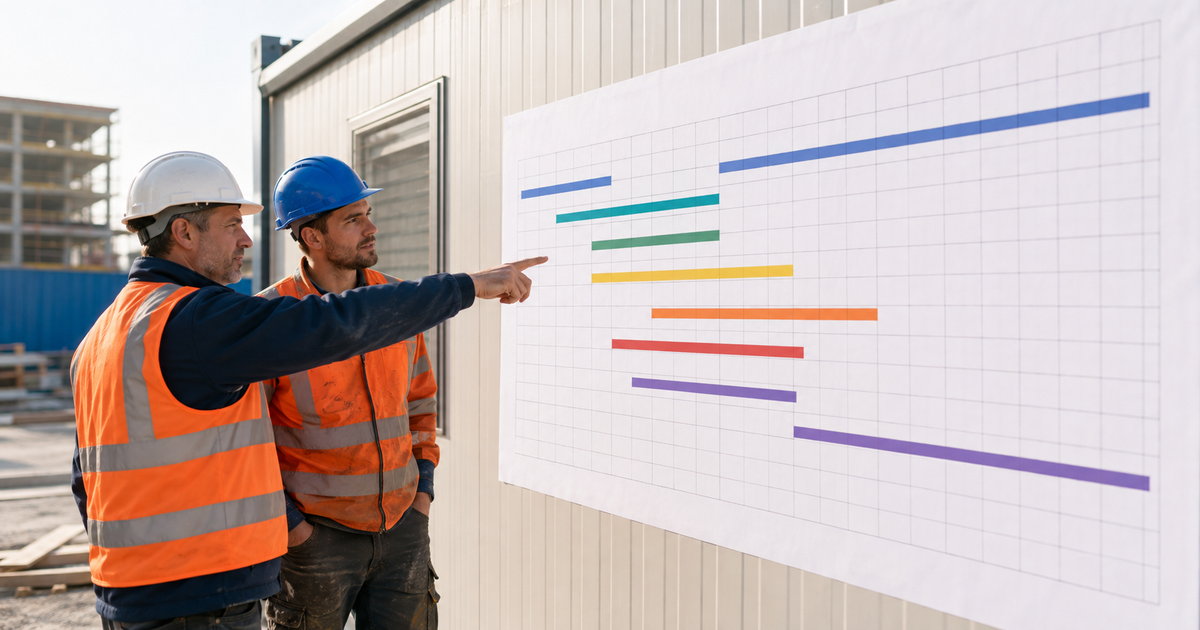
A schedule is a promise about time. This trade finishes here, the next one starts there, and the whole job lands on the date you gave the client. Break the sequence and the delays stack up fast. Scheduling software keeps the sequence honest, so a slip in week two does not become a missed handover in month four.
This is a plain look at how construction scheduling works in practice. How to build a timeline the crew can follow, why the plan drifts, and how the right tool shows a delay while you can still absorb it. If you set dates and answer for them, this is for you.
What a construction schedule has to do
A good schedule is more than a wall of bars. It says three things clearly. What order the work goes in. How long each part takes. What cannot start until something else is done. Get those right and the crew knows the plan without asking. Get them vague and every morning turns into a debate.
The hard part is not drawing the plan. It is keeping it true after the first week, when reality starts pushing back.
Why the plan drifts
Almost every timeline slips for the same handful of reasons.
- It never leaves the office. A plan the crew cannot see is a plan they cannot follow.
- Dependencies are ignored. Two trades get booked for the same space on the same day and one goes home.
- Slippage stays quiet. A task runs long and nobody moves the tasks behind it, so the whole tail drifts.
- Weather and deliveries. Real life lands and the paper plan has no way to absorb it.
A live schedule handles all of this. The crew sees it on the phone. Tasks that depend on others move together. A delay today shifts the plan today, so you see the new end date now, not at the deadline.
Build a timeline the crew can follow
Start with the phases, then the tasks under each, then the order. Set how long each takes and what it waits on. The tool lays it out as a timeline anyone can read. When work gets logged from site, the plan reflects it, so the schedule is not last month's guess. It is where the job actually stands. This is part of how project management in Stas Organizer keeps a job moving.
See the delay before it costs you
The whole value is early warning. A trade runs two days over. The tool shows what that pushes and when the finish date moves. Now you can act. Bring a crew forward, reorder two tasks, warn the client while there is still goodwill. Hours logged through time tracking keep the plan grounded in what really happened, not what was hoped.
What it costs and how to try it
Stas Organizer starts at €7 per worker per month, and scheduling sits inside the project tools on every plan. The pricing page lays it out.
The honest test is one live job. Start a free trial, put your current timeline in it, and see the finish date update itself as the work moves.
Common questions
Is this as complicated as the big planning programs?
No. You get the sequence and the dependencies without a training course. If you can list the phases, you can build the plan.
Does the crew need to see the schedule?
Yes, and they do, on the phone. A plan only the office can read does not keep a site moving.
What happens when something slips?
The tasks that depend on it move with it, and the finish date updates. You see the effect straight away.
Can we plan several jobs at once?
Yes. Each project has its own timeline, and the office sees them together so nobody is double booked.
Ready to build a timeline that holds?
Stas Organizer keeps your schedule next to the crews, hours, costs, and documents in one platform, on web, on Android and iPhone, and through WhatsApp for the crew that wants no extra app. The plan and the site stay in step.
Start your free trial, no credit card needed. Want it walked through on your kind of project? Book a demo. Or read how it drives higher productivity on site.