
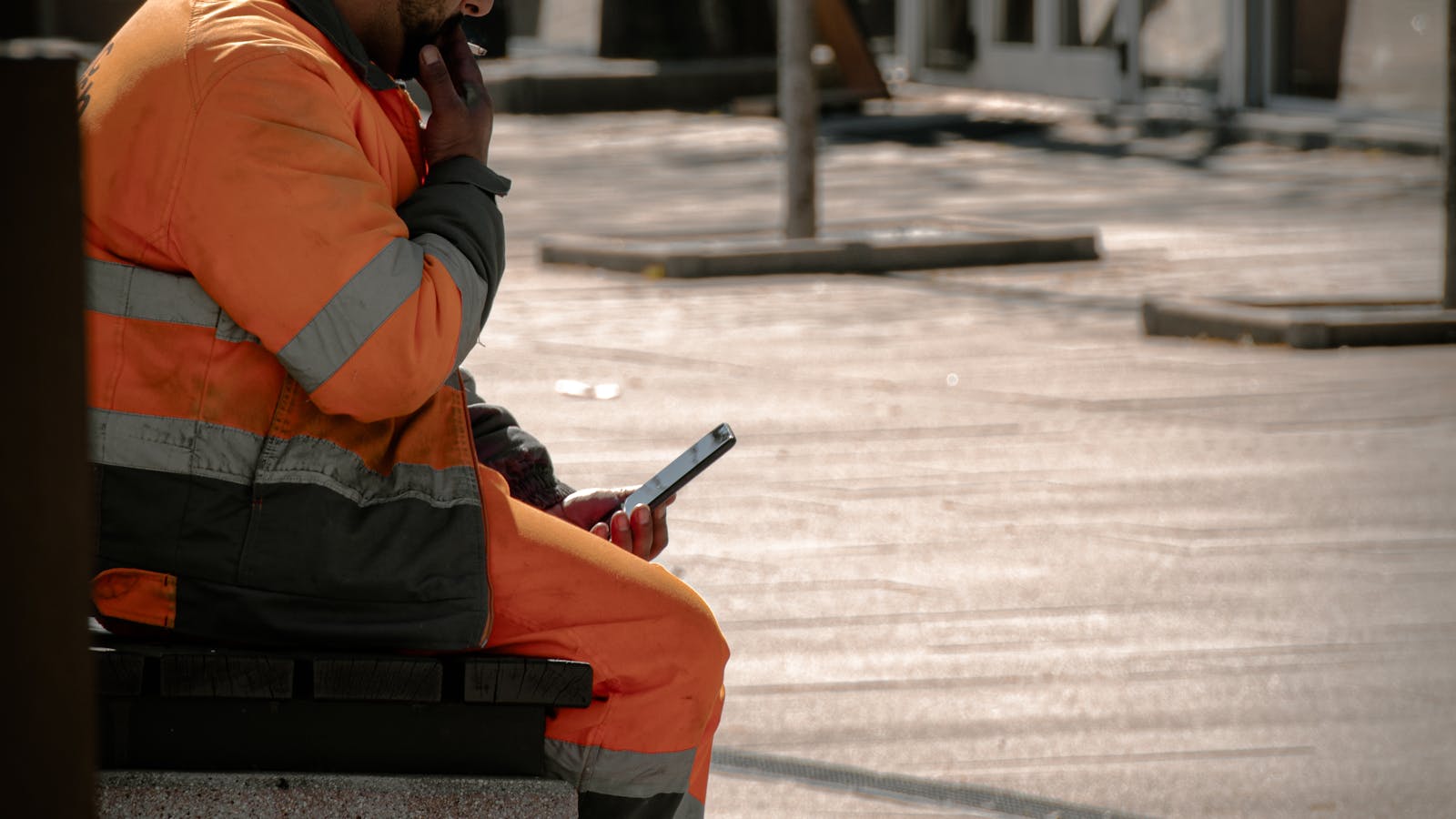
A construction foreman juggling six crews across three sites cannot run accurate timesheets on paper. He guesses. The office reconstructs. The bill arrives a week late and the back-charge is contested. This is how a few hundred euros of lost labour time becomes a few thousand by month-end, every month.
Digital time tracking on a construction site solves a small problem with a large compound. This guide covers what digital time tracking actually captures, why GPS verification matters in construction, how to roll it out in a week, and the WhatsApp option for crews that refuse another app.
Why work hours go missing on construction sites
Construction labour is the largest single cost line on most projects. It is also the hardest to track accurately. Four reasons:
- Crews move between sites mid-day. A two-hour reassignment from Site A to Site B never lands on the right timesheet.
- Foremen are running construction, not paperwork. End-of-week timesheets are reconstructed from memory. By Friday, Monday is fiction.
- Subcontractors keep their own books. Their hours and the foreman's count never match. Back-charges turn into disputes.
- Weather, breakdowns, and reassignments break the schedule. Without a real-time record, you cannot prove what crew was where at what hour.
Every construction company owner has lived this. The fix is not to write a better paper template. The fix is to move the timesheet to the device the worker already carries.
What digital time tracking actually captures
A complete digital time tracking entry on a construction site captures more than the start and stop time. A modern construction timesheet logs:
- Start time with timestamp at the moment of entry (not reconstructed at end of week).
- Stop time, including breaks, transit between sites, and end-of-shift.
- Worker identity tied to the company record, not a paper signature.
- Crew and project assignment for the day.
- Work area within the project for trade-level cost coding.
- GPS location verifying the worker was actually on the jobsite when clocking in or out.
- Equipment used if you bill by machine hours.
- Notes from the foreman for non-standard work or reassignments.
- Photo evidence for safety incidents, deliveries, or back-charge claims.
The data flows directly into the project record, the daily report, and the monthly invoice. No double entry, no reconciliation calls, no Friday afternoon spreadsheet rebuild.
Why GPS and geolocation matter in construction
A timesheet without geolocation is a self-report. A timesheet with GPS verification is a record. The difference matters on three fronts:
- Back-charges hold up. When a subcontractor claims their crew was on site for eight hours and the GPS log shows three, the discussion ends fast.
- Multi-site reassignments are accurate. When a crew moves from Site A to Site B at 11 AM, both project budgets get charged correctly.
- Worker safety records are bulletproof. If something goes wrong and you need to prove who was on which site at what time, the GPS log is the answer.
Stas Organizer's construction employee scheduling and labor tracking module captures GPS on every clock-in by default. The worker sees it. The foreman sees it. The office sees it. No one is surprised.
The classic paper timesheet failure modes
Every construction firm that switches to digital tells the same four stories:
- Timesheets arrive on Monday for the previous week. The foreman fills them out from memory. The office processes them three days later. By the time accounting sees the numbers, the project is two weeks downstream.
- Hours and project codes do not match. The foreman writes "Site B, 8 hours" but accounting cannot tell which work package on Site B should be charged. Coding happens later, by guess.
- Crew names are wrong. "Marko and his guys" is the entry. Accounting has to call back and ask which guys. Half the time the answer comes a day late.
- Subcontractor invoices do not match the timesheet. They claim 240 hours, the foreman remembers 180, you have nothing to prove either number.
None of this is the foreman's fault. The tool is wrong for the job.
The WhatsApp option for crews that refuse another app
Every construction company owner has the same conversation. The young guys download the app and use it. The senior foreman has been refusing apps for fifteen years and will not start now.
Stas Organizer answers this with a WhatsApp integration. The foreman receives his daily task list at 7 AM as a WhatsApp message. He replies with his hours at end of shift. Notes, photos, and geolocation come through the same messages. Everything lands in the platform as structured records that the office sees in real time. No app on the foreman's phone. No training. No installation. He has been using WhatsApp every day for ten years already.
This matters because adoption is the actual blocker on construction software. A digital timesheet that the foreman refuses to use is no better than a paper one. The WhatsApp option closes the adoption gap on the first day.
How to roll out digital time tracking in a week
The mistake every team makes is rolling out to every crew on day one. Crews adopt one tool at a time. Realistic week-one plan:
- Day 1. Pick one active project and one foreman. Add him and his crew to the platform. Set up the project with the correct trade codes and the contract dates.
- Day 2 to 3. The foreman logs clock-in and clock-out for his crew at start and end of shift. Nothing else. He uses the mobile app or the WhatsApp integration, his choice.
- Day 4. Add multi-site reassignments to the mix. Crew moves between Site A and Site B get logged with timestamps.
- Day 5. Add subcontractor hours. The foreman logs hours for any subcontractor crew on his site, with their named representative confirming via WhatsApp.
- Day 6 to 7. The office runs the first weekly payroll and invoice from the digital records. Reconciliation with the previous paper system surfaces the gaps.
By the end of week one, one crew runs entirely on digital time tracking. Week two, two crews. By the end of the month, the whole company. The full project management module wraps around this so the timesheet feeds the daily report, the monthly invoice, and the project profitability dashboard.
Practical pitfalls every team hits
Five pitfalls and the fixes that work:
- Clock-in is too easy to forget. Set a soft prompt at 7 AM that the foreman dismisses if the crew is not on site. Friction beats forgetting.
- GPS fails in tunnels and basements. The platform accepts manual override with a note. Do not let the foreman fight the system.
- Workers fake clock-in from home. GPS verification on every clock-in surfaces this in a week. Address it the first time it happens.
- Subcontractor representatives never confirm hours. Make confirmation a contract requirement, not a request.
- Weekend overtime falls through. Set a clear policy: overtime is logged before it is worked, not after.
Construction time tracking FAQ
Is digital time tracking legal for payroll in Croatia and the EU?
Yes. Digital time records are valid for payroll, social security contributions, and Labor Inspectorate reporting under Croatian and EU law, provided they are timestamped, attributable to the responsible worker, and stored with integrity. Stas Organizer stores entries on Microsoft Azure with EU data residency.
Does GPS tracking violate worker privacy?
GPS verification is collected only at clock-in and clock-out, not continuously. Workers are informed in their onboarding. The data is used to verify presence at the worksite, not to track movements. This is the standard approach across the EU construction industry.
What if a worker does not have a smartphone?
Most workers in Croatia and the EU have a phone capable of WhatsApp. For crews where smartphones are an issue, the foreman can clock in the entire crew under his own session. The records are still timestamped and GPS-verified at the site location.
How much does construction time tracking software cost?
Stas Organizer pricing starts at €7 per worker per month. Time tracking is included on every plan, alongside crew scheduling, fleet management, document control, and financial tracking. See the pricing page for the full breakdown.
Can subcontractors use the same time tracking system?
Yes. Subcontractor crews can be added to the platform under your project, or they can confirm hours via the WhatsApp integration without joining the platform. Either way, both your records and theirs line up.
Ready to digitalize your construction time tracking?
Stas Organizer ships construction time tracking as part of the employee management module, with GPS verification, multi-site reassignments, subcontractor hours, and full integration with the project record. Available on web, Android, iOS, and the WhatsApp option for foremen who refuse a separate app.
Start the free 30-day trial of the full platform. First crew live by end of week one, no credit card required.